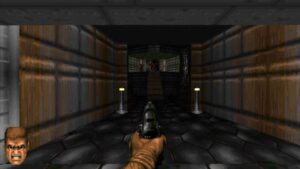
The classic FPS Doom has been ported to just about everything you can think of. This ranges from other appliances, to inside PDF files and the humble Notepad. Now, it can also serve as your screen saver. Of course, being a screen saver, you don’t actually play it. But if you choose to, you could watch it play on its own as it completes the Knee-Deep in the Dead episode.
To make it work as a screen saver, some tweaks had to be done to it, so you’re not getting the 100% authentic experience. For one, the HUD has been removed, as it’s mostly just a static strip. Minus Doomguy’s portrait that’s glancing left and right and context-specific emoting, anyway. That has instead been moved to the lower corners of the screen, swapping intermittently between left and right. In short, nothing stays static, so that it does its screen saver job properly.
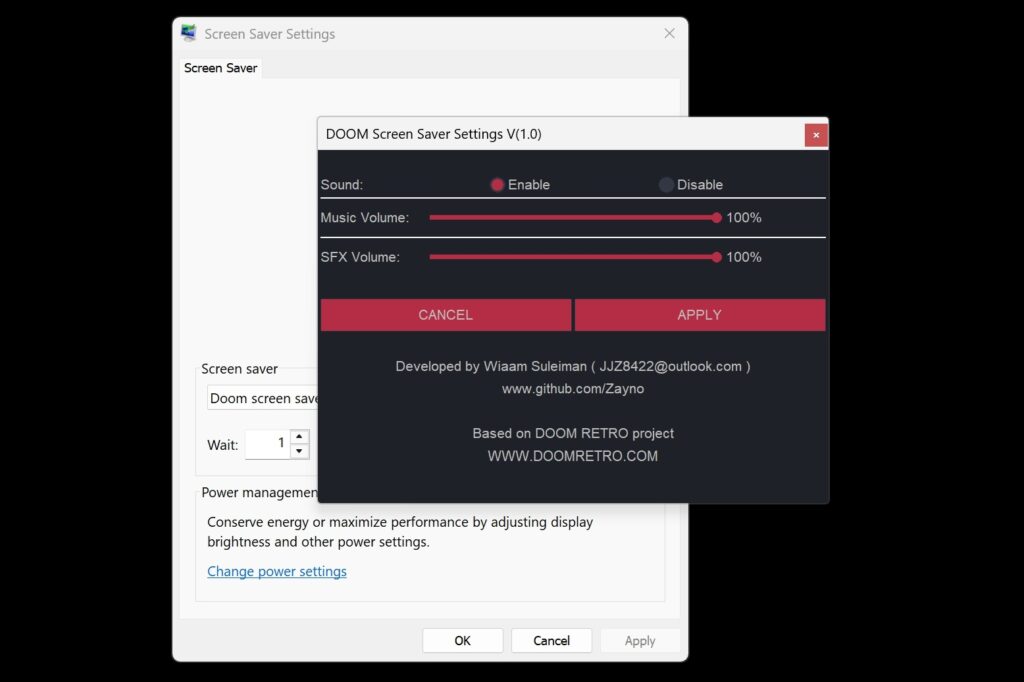
And it’s not just a screen saver either. as it is also claimed to be “very easy on CPU cycles”. But worth noting is that, unlike conventional screen savers, this one comes with sounds to match the “gameplay” on screen. If you choose, you can turn this off so that it acts like an ordinary screen saver once you have it installed.
On that note, you can download the Doom screen saver via the GitHub link below. Once you have that, simply double-click the .scr file. Probably not something you should have on a laptop you bring around, but for a home setup, it could make for a conversation piece.
(Source: GitHub)