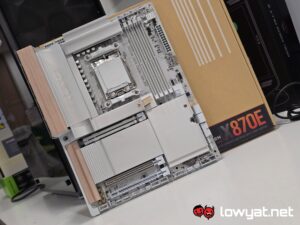
Gigabyte recently released the X870E Aero X3D Wood motherboard. It’s still a premium AM5 motherboard, no doubt, and still offers many modern fixtures and fittings, but it’s also clear that Gigabyte put a greater-than-usual focus on the aesthetics, and even used a particular minimalist philosophy to guide its design.
What Am I Looking At?
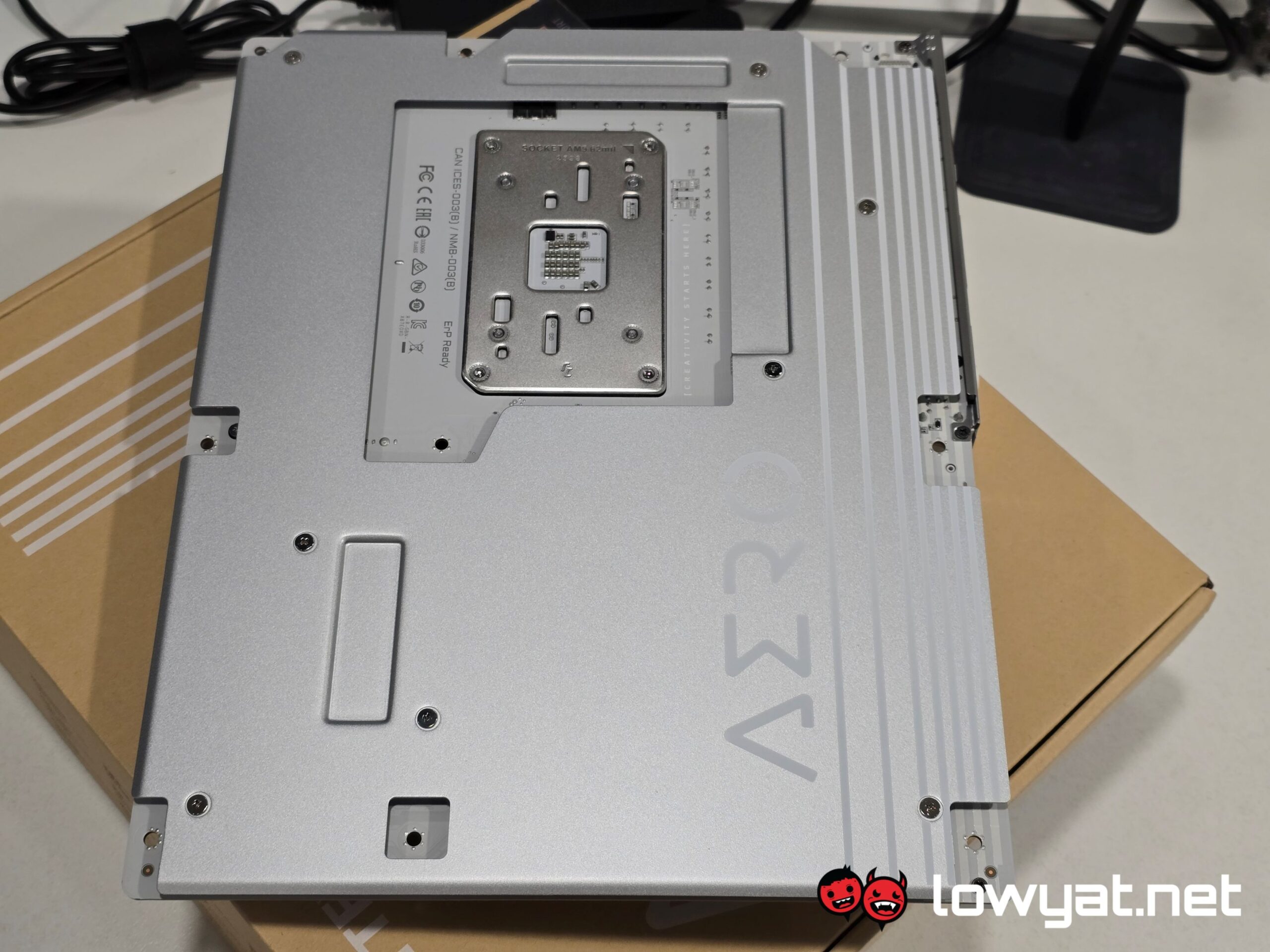
The main takeaway of the X870E Aero X3D Wood is the bits of wood that have been slapped on to this near-pristine white motherboard. On that note, this massive chunk of PCB is meant to ooze the “Zain” aesthetic, which is a form of minimalism, so I’m told.
The end result is a blend of light brown wood covering the left side of the motherboard, while the rest of it looks practically naked. There are tabs on the M.2 heat shields, both of which are curved at the edges for that added flair, and if I’m honest, it works.
As for specs, you get the usual flair for an X870E motherboard, but more importantly, it’s a tool-less motherboard, so you don’t have to futz about with tiny screws. It’s Socket AM5, so it support Ryzen 7000 and 9000 Series processors but the onboard X3D Turbo Mode 2 means that 3D V-Cache CPUs get more love.
What’s Good About It?
As far as motherboards go, the Aero X3D Wood was designed and optimised for AMD’s X3D CPUs. There’s basically a one-push button in the BIOS to enable the performance boost, but you’ll still need to manually enter the BIOS to activate it.
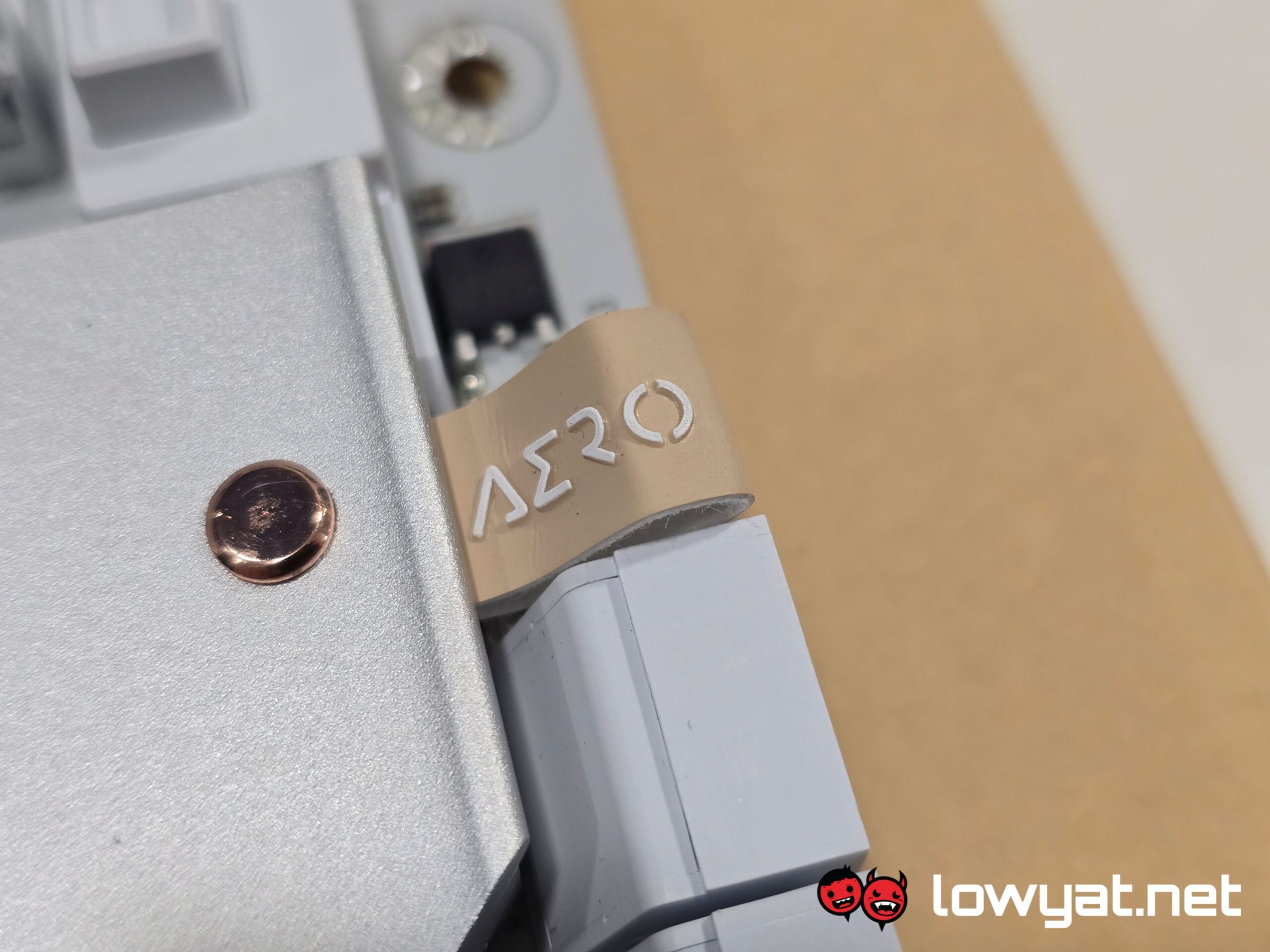
Physically, the Aero X3D Wood is a DIY PC builder’s tool-less wonderland – the heatsink on the primary main M.2 slot, including the heatshield that covers the secondary slots, is held together with some really strong magnets, which can require some effort to unlatch. More on that in the next section.
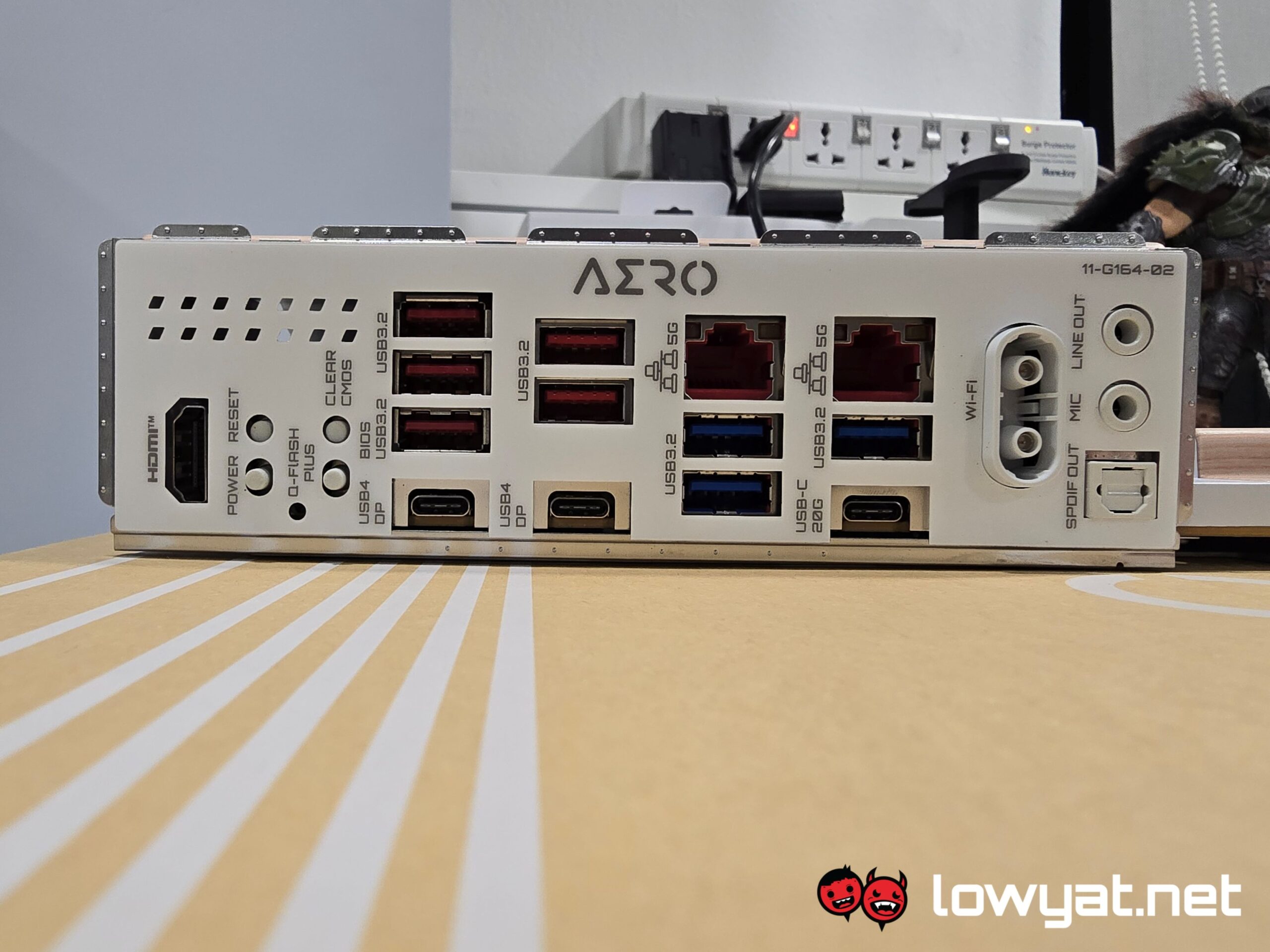
As an X870E motherboard, it also comes with a healthy number of IO ports in the rear, and all up-to-date with the latest standards, of course. Dual USB4 40Gb/s bitrate for the win here. Oh, and Wi-Fi 7, Bluetooth 5.4, and dual 5GbE LAN ports too.
What’s The Catch?
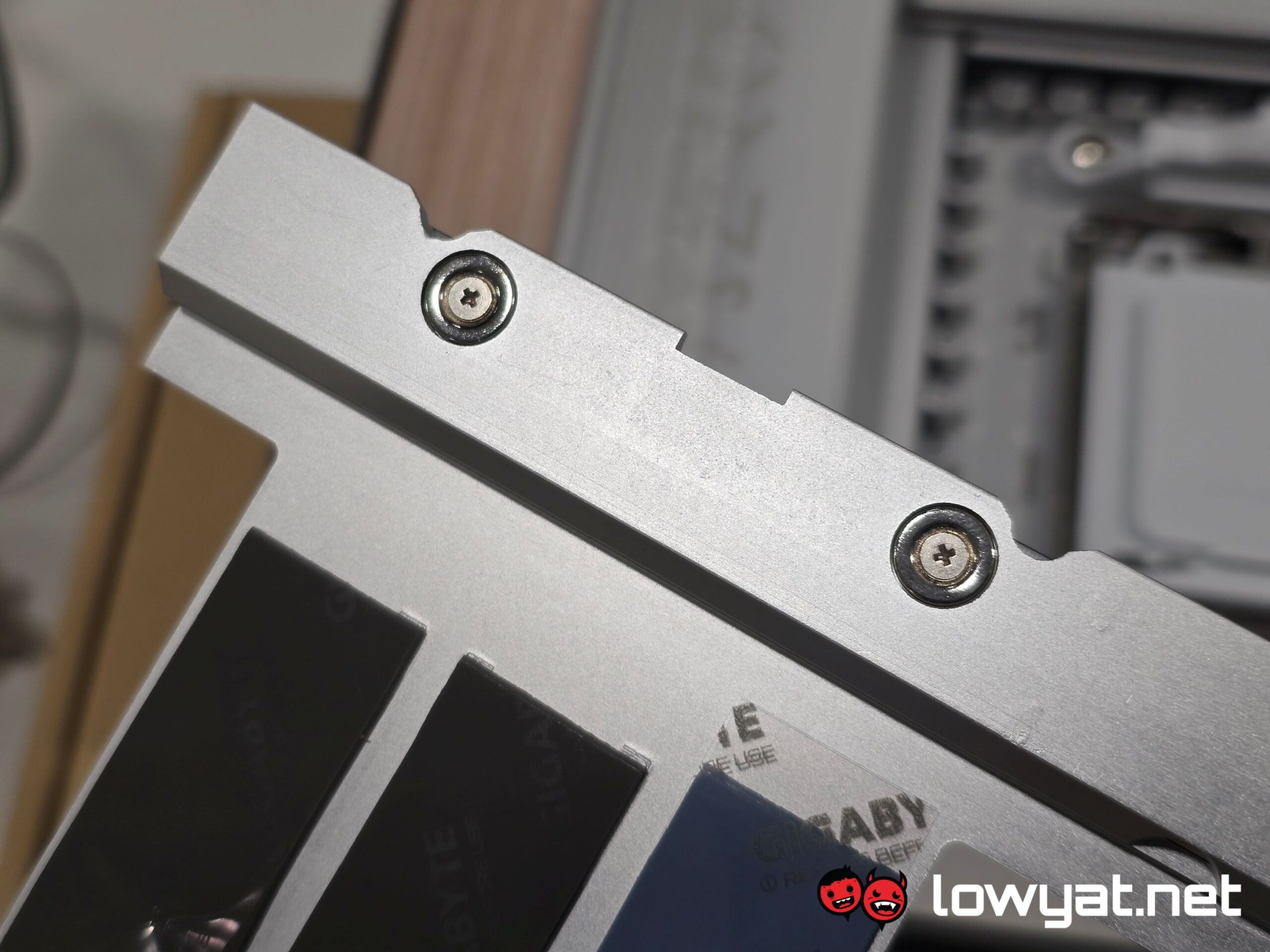
I don’t think this was done on purpose, but the magnets for the heat shield covering the remaining M.2 SSD slots are phenomenally stronger than the ones on the primary M.2 slot. Yes, it’s tool-less but heavens above, there is a level of force I find myself applying that I never use with other motherboards. Honestly, even when tugging the leather tab, it feels like I’m about to rip off a good chunk of the motherboard, and not for want of trying.
Also, while not an AORUS-branded motherboard, the Aero X3D Wood still commands a pretty hefty premium at RM2,099. Not the most expensive, but given the absurd cost of memory and GPUs these days, that’s still a lot of scratch for the PCB.
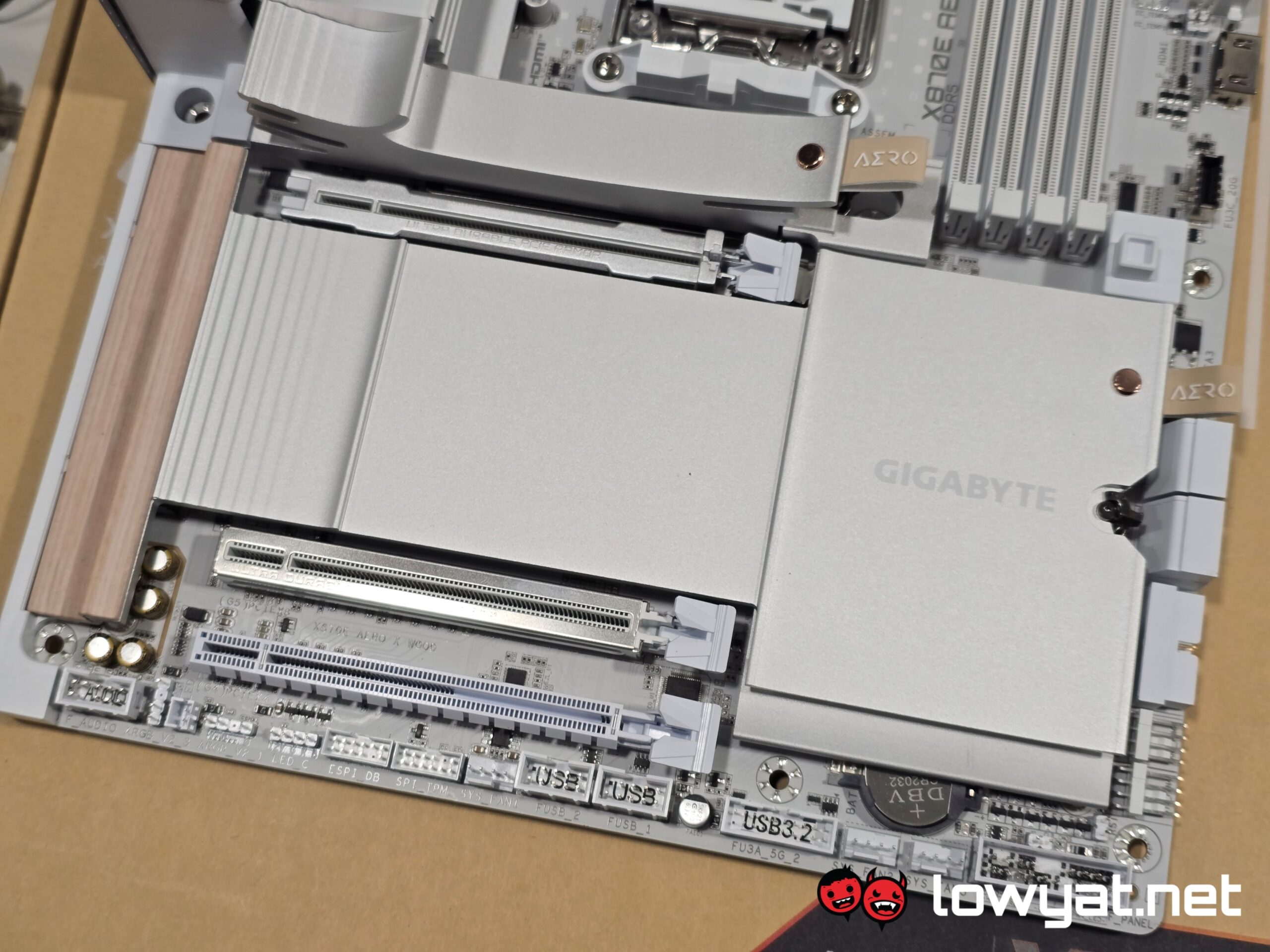
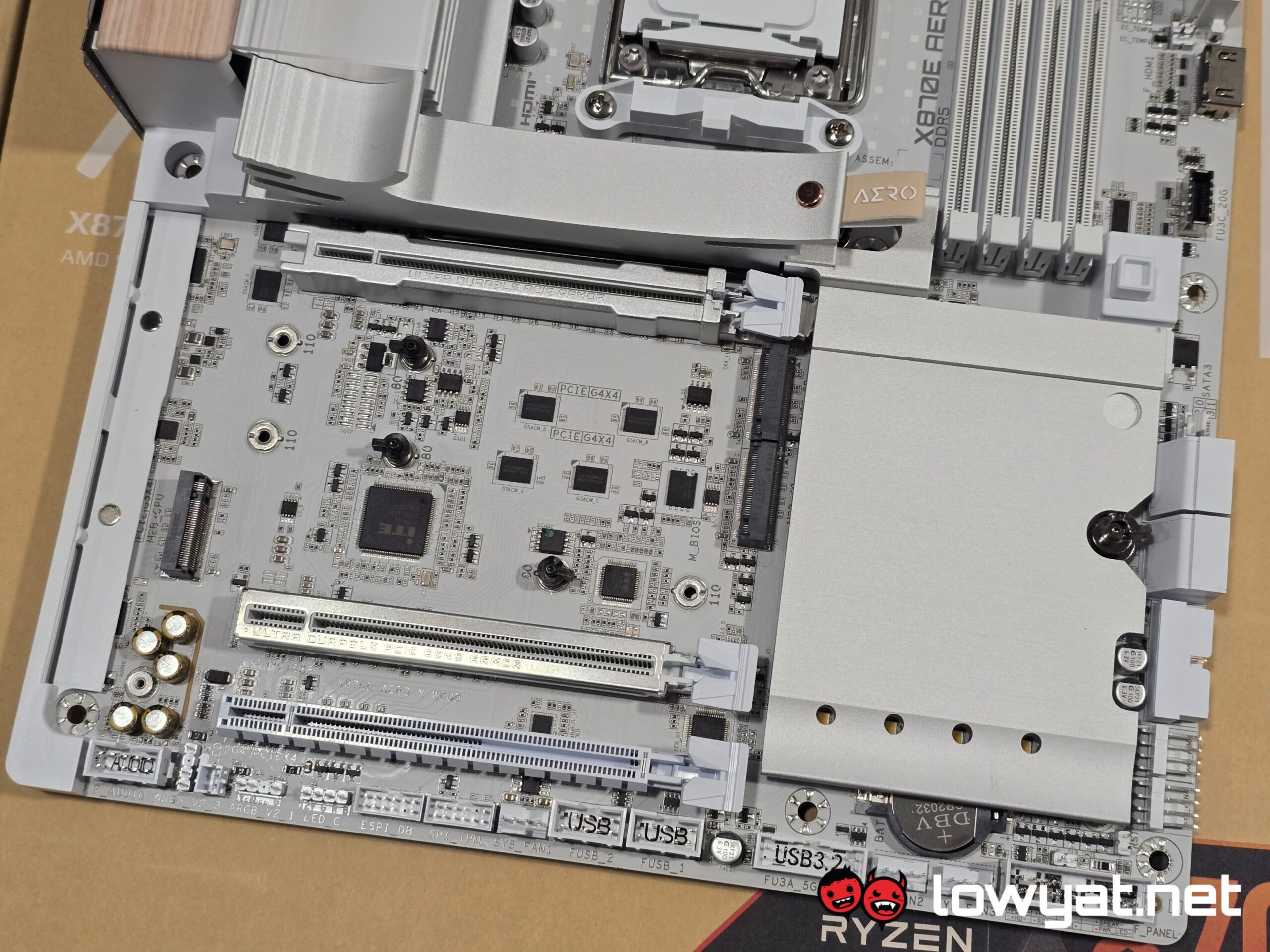
For that matter, this motherboard is designed to be shown off to whoever walks into your home, meaning that if you’re paying for it, I doubt you’re doing it for the silent pleasure of keeping it underneath your desk.
Should I Buy It?
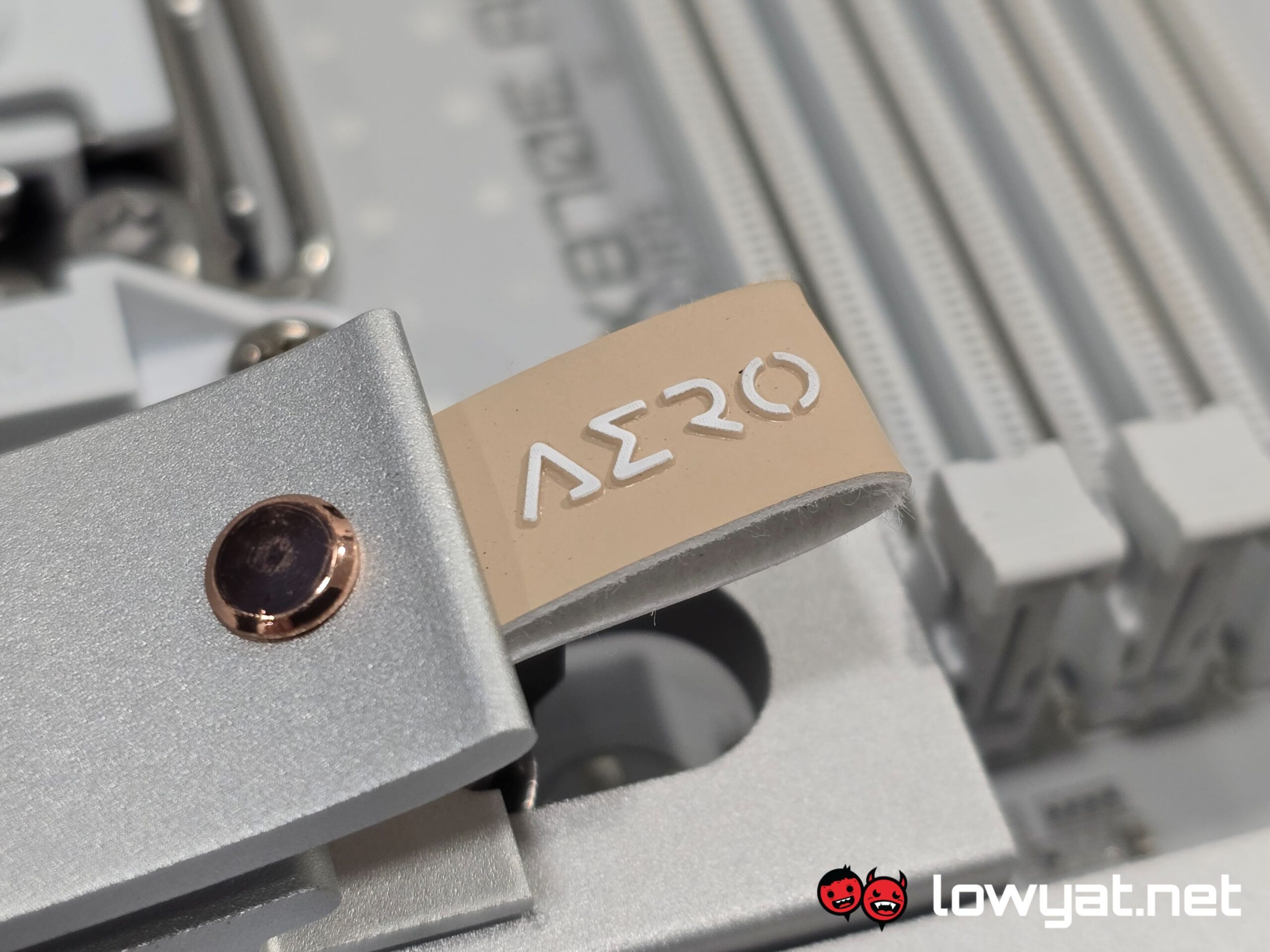
Sure, if you absolutely love the (minimal) amalgamation of wood with an all-white aesthetic, and if I’m honest, you’ve got to be quite a vainpot. Not a little bit of a vainpot, quite. To that end, and as I said in the previous section, this kind of component isn’t something you hide from the world; you buy it for all to see, and in doing so, court their judgment.
If you plan on getting this motherboard, you’re also going to want to pair it with one of AMD’s Ryzen 9000X3D CPUs, be it the 9800X3D or 9950X3D. After all, that is what it was designed for.