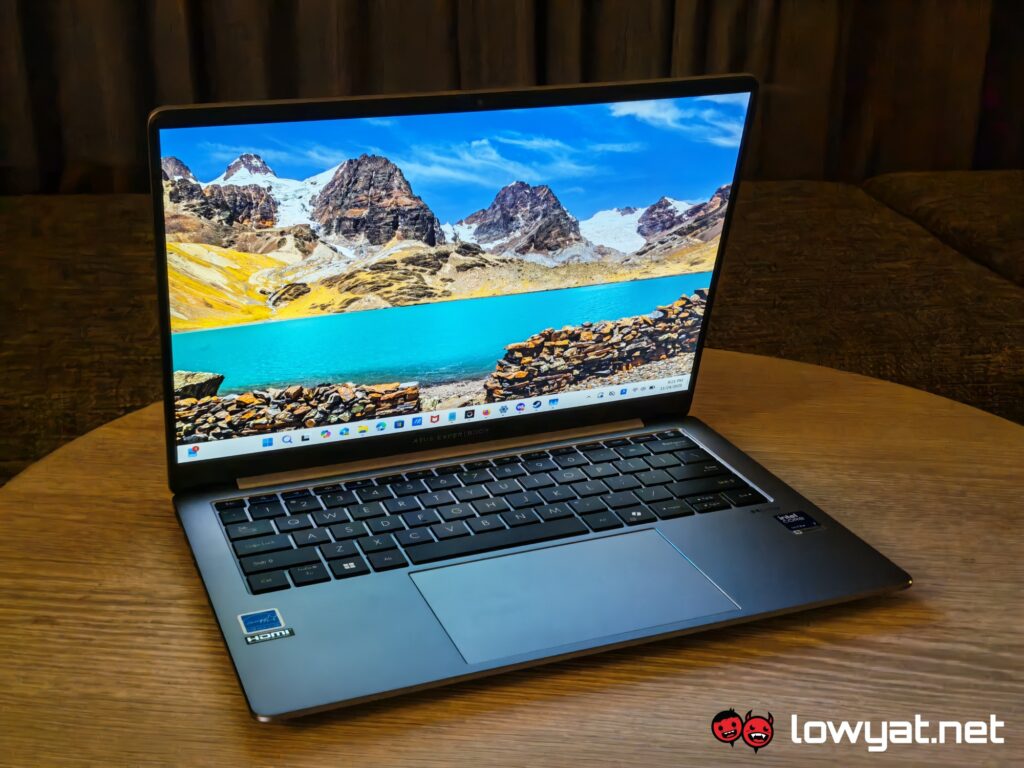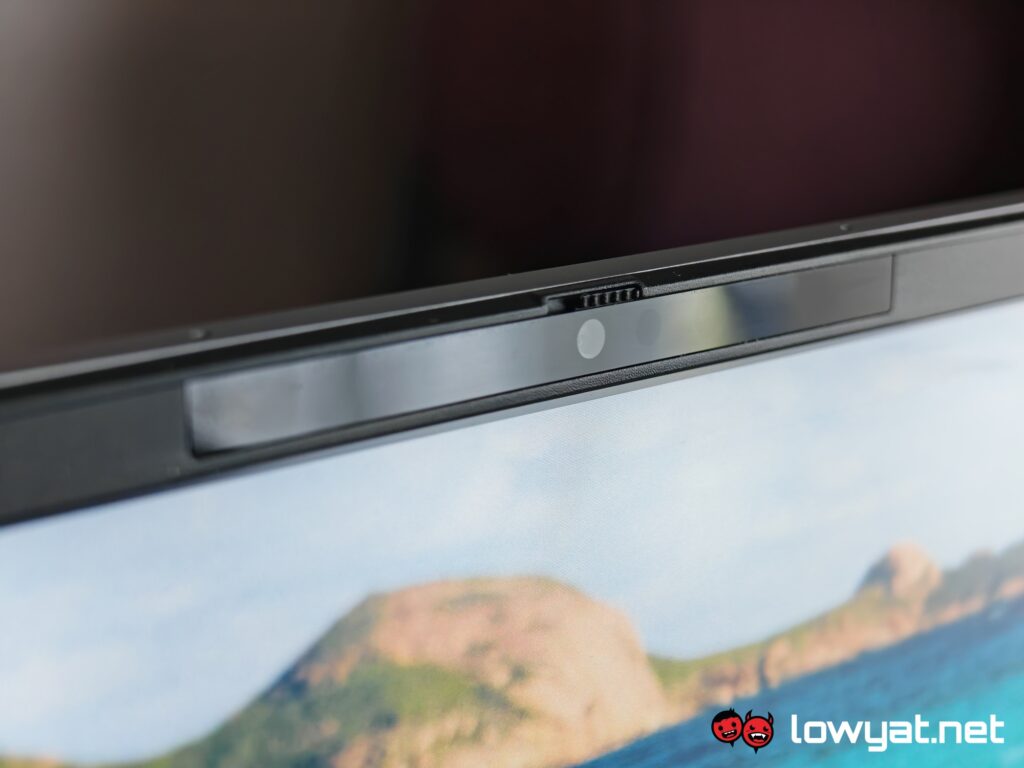
The ASUS ExpertBook serves as the brand’s business-focused range. Among the products in this lineup, the P5 is meant for those who want a portable powerhouse for productivity purposes.
After spending some time with the laptop for work (and admittedly for play), it’s safe to say that it’s a pretty reliable workhorse. It does what it needs to do, and then some.
What Am I Looking At?
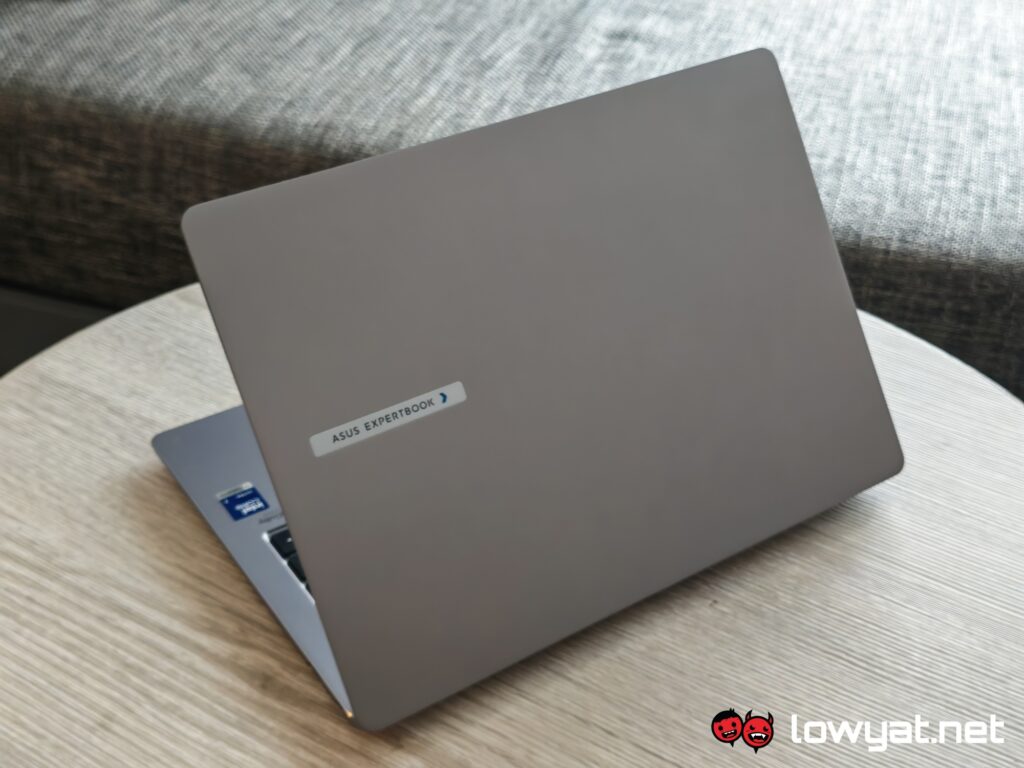
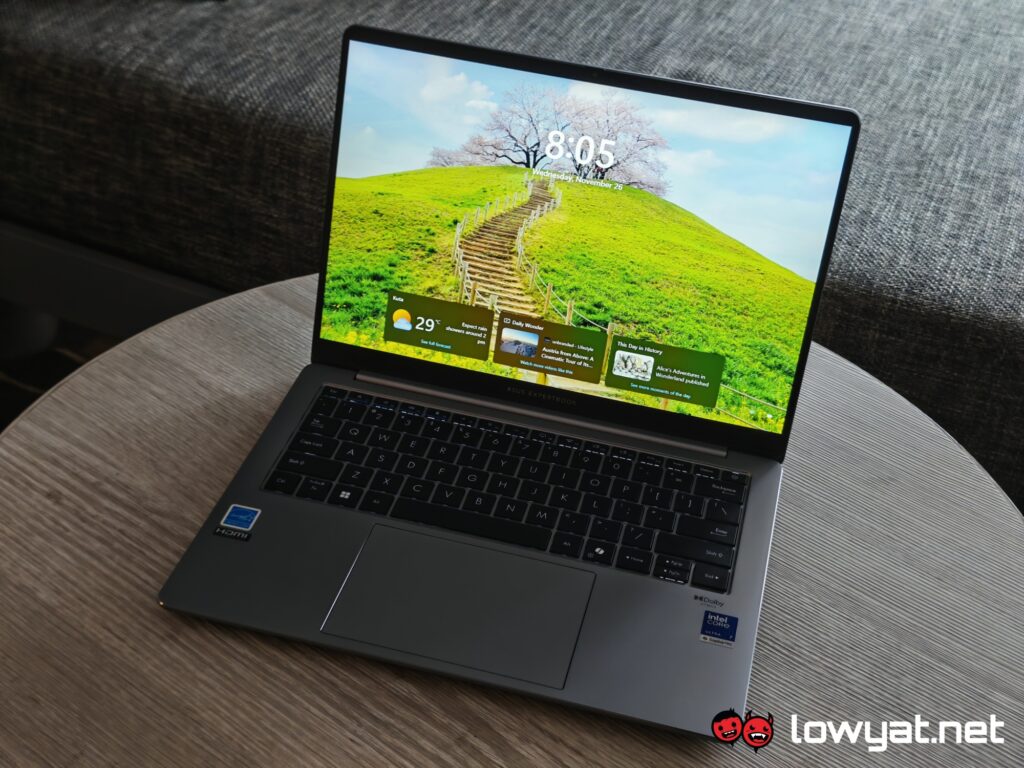
 Design-wise, the ASUS ExpertBook P5 is about as utilitarian as one would imagine. It’s thin and compact, with an aluminium build that all but spells out business. Further pushing the idea is the fact that the laptop comes in only one colour: Misty Grey. It’s a no-frills, no-flair design, because really all that matters is what’s on the inside.
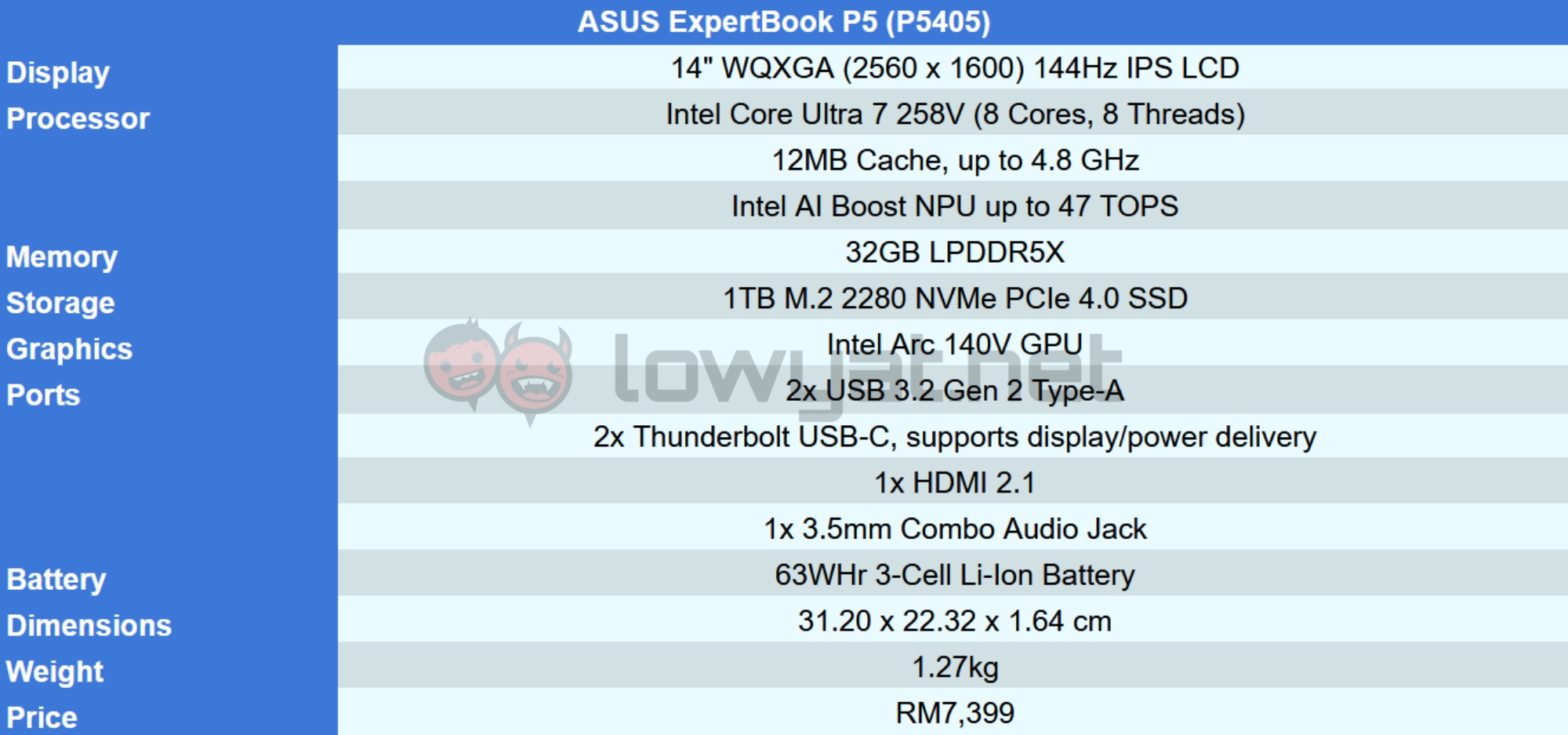
And that is an Intel Core Ultra 7 258V processor, along with 32GB of LPDDR5X RAM. Meanwhile, an Intel 140V GPU handles the graphics. It also gets 1TB PCIe 4 SSD storage. Aside from that, a 63Wh battery powers the laptop.

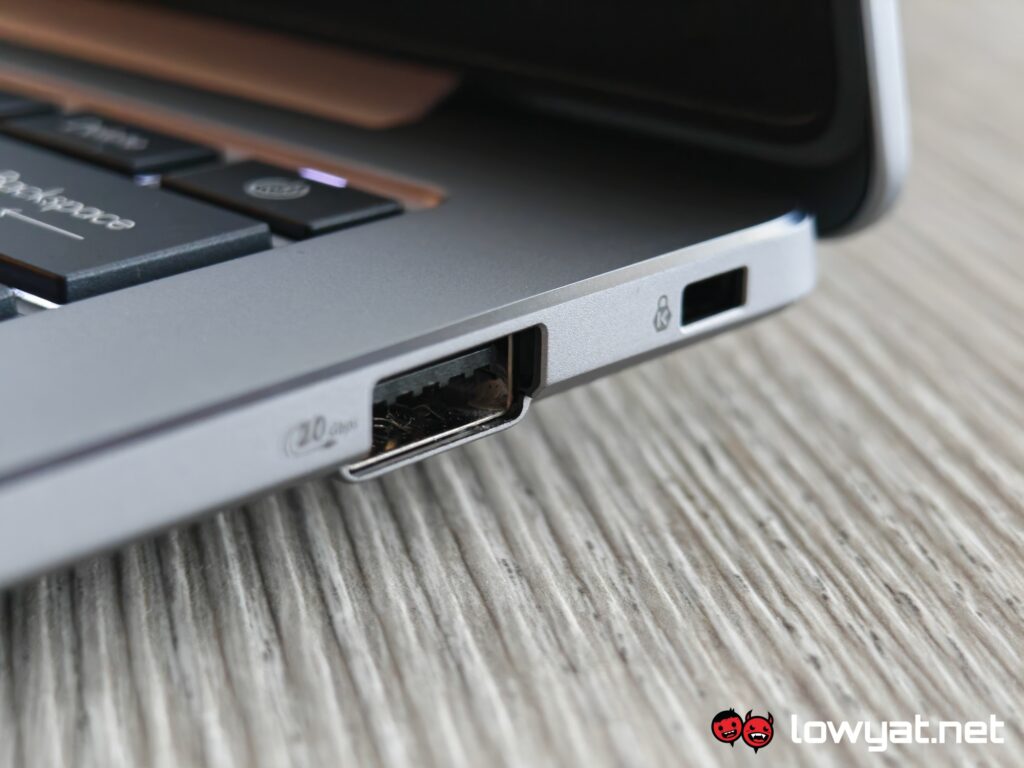
As for ports, the laptop sports two Thunderbolt 4 USB-C ports, two USB-A 3.2 Gen 2 ports, a HDMI 2.1 port, and a 3.5mm audio jack. And for security, the power button serves as a fingerprint scanner.
What’s Good About It?
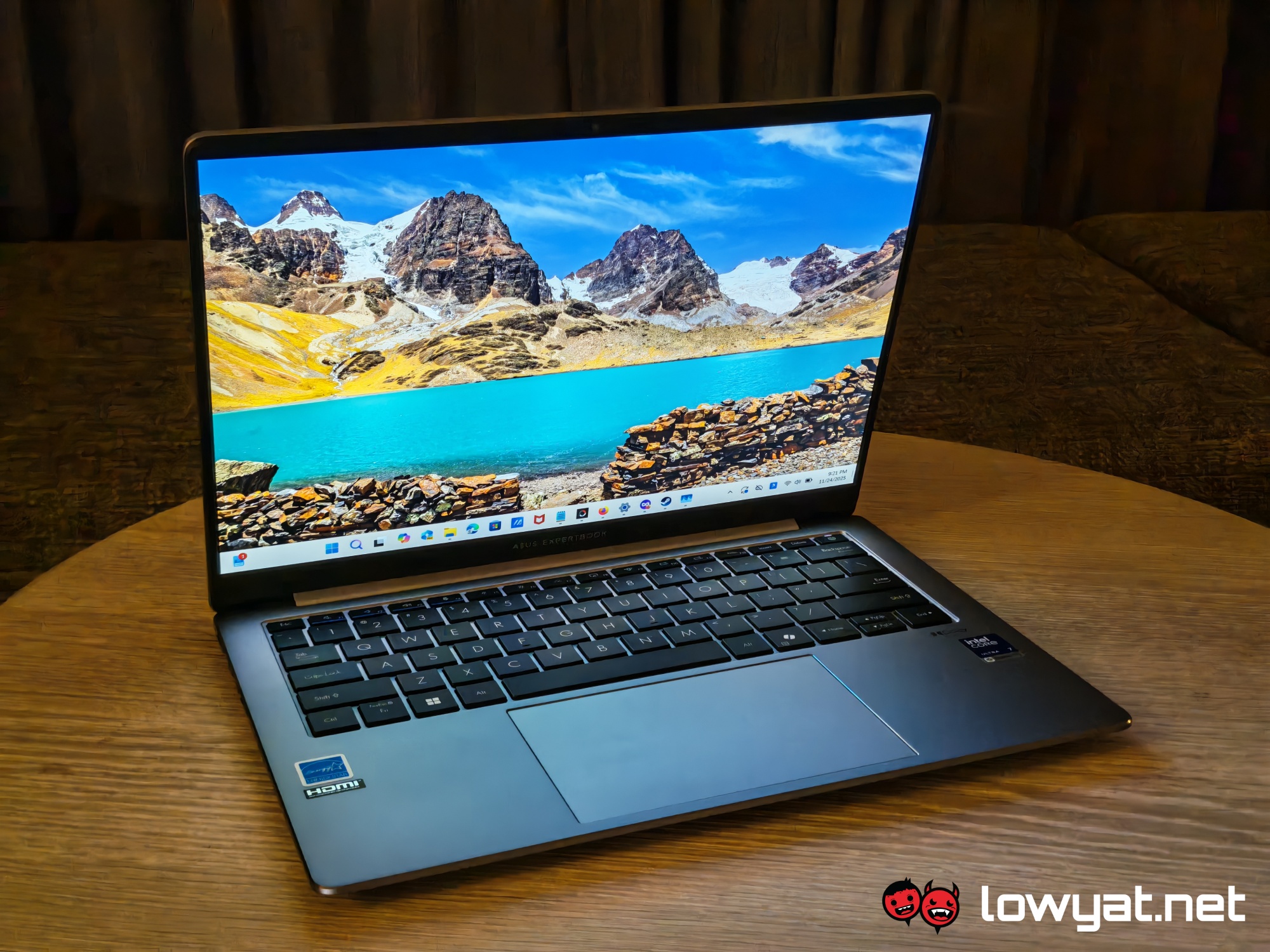 I would say the portability is one of the P5’s stronger points. While it’s not the absolute thinnest a laptop can get, it certainly is slim enough for travel purposes. Obviously, this compact form factor doesn’t take up much space, so you can use it in cramped places without much of an issue. Much of my time with the P5 was spent travelling, and it made getting work done while on the go pretty convenient.
While the battery life doesn’t quite reach the claimed 28 hours, it’s certainly more than enough for a full day. I can check my emails and messages, do some work, play a bit of music here and there, and I’ll still have some juice left by the time evening rolls around.

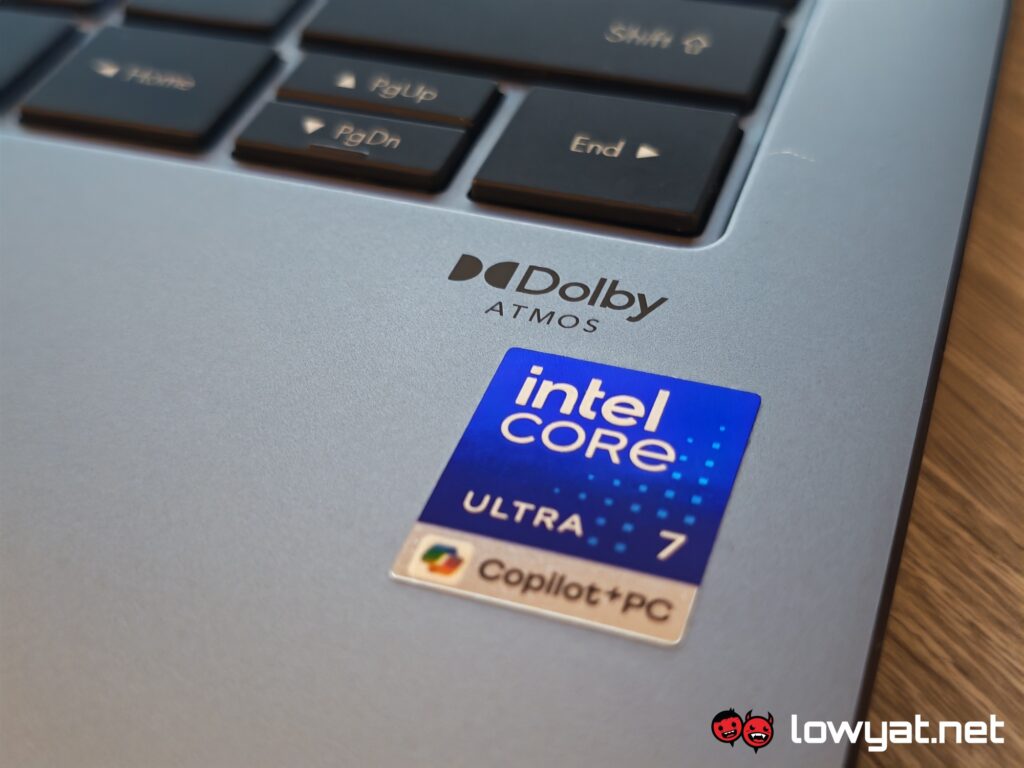
The P5 is also pretty quiet, if you ignore the sound the keys make when you’re typing. Aside from that, it stays relatively cool, only really heating up during extended gaming sessions.
Speaking of which, you can use it for gaming to some extent. Of course, it’s not a smooth experience unless you’re playing something fairly light. With Warframe on the default settings, I would get around 20-30fps when running Steel Path missions on Höllvania. It’s not ideal, especially if you’re hoping for a lag-free session to wind down. But given that this machine wasn’t made for gaming to begin with, I’d call it a slight bonus.
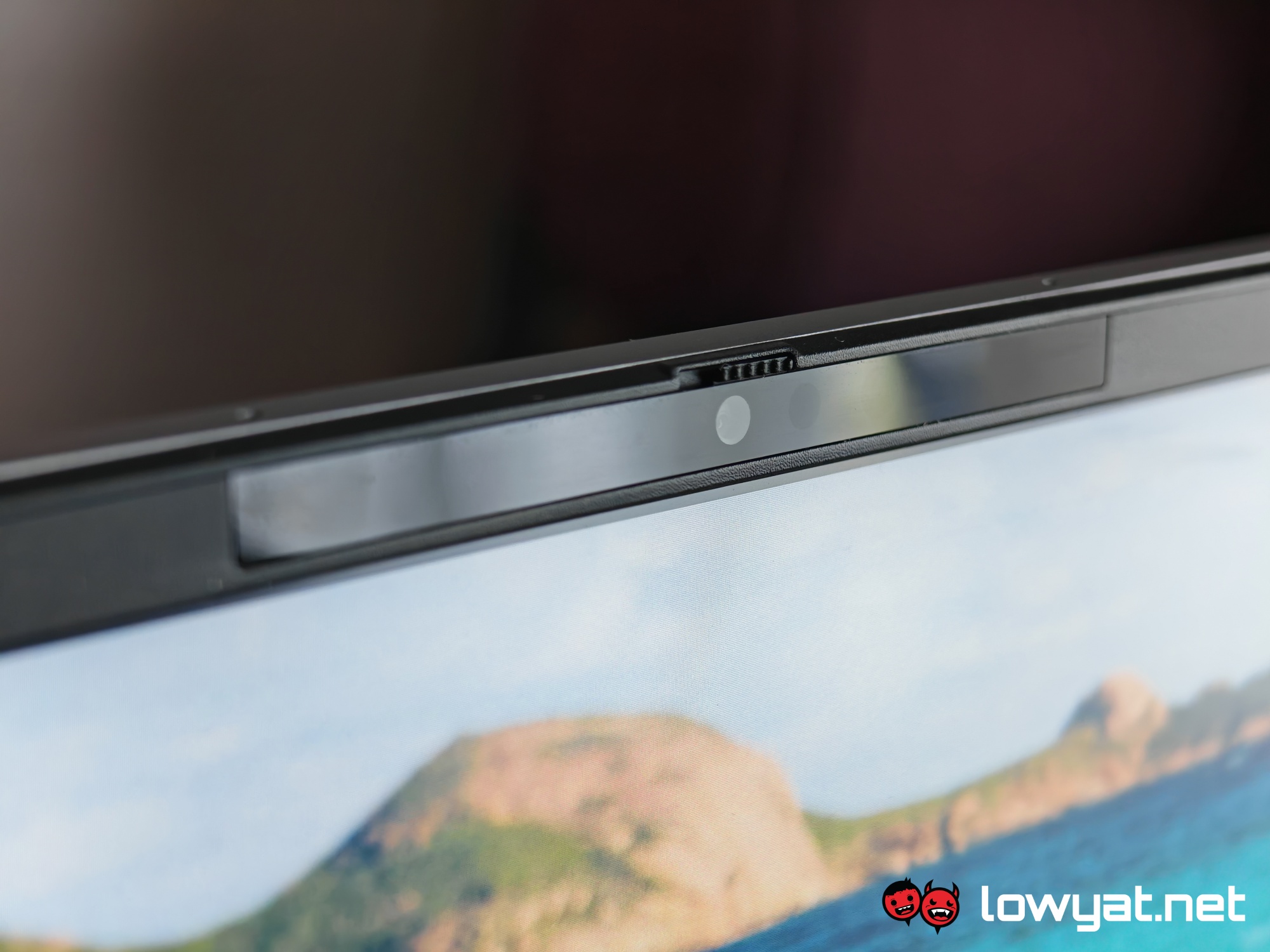 Durability is one of the claimed highlights of the P5, so in theory, it should be able to take a lot of punishment, if you’re one to abuse your electronics. I didn’t go out of my way to test this out, but the laptop does feel solid enough to survive any mishaps. The screen is the flimsiest part of the machine, but it still feels sturdy. So unless you’re doing something outrageous like attempting to fold the laptop the wrong way, you’re unlikely to break it anytime soon.
What’s The Catch?
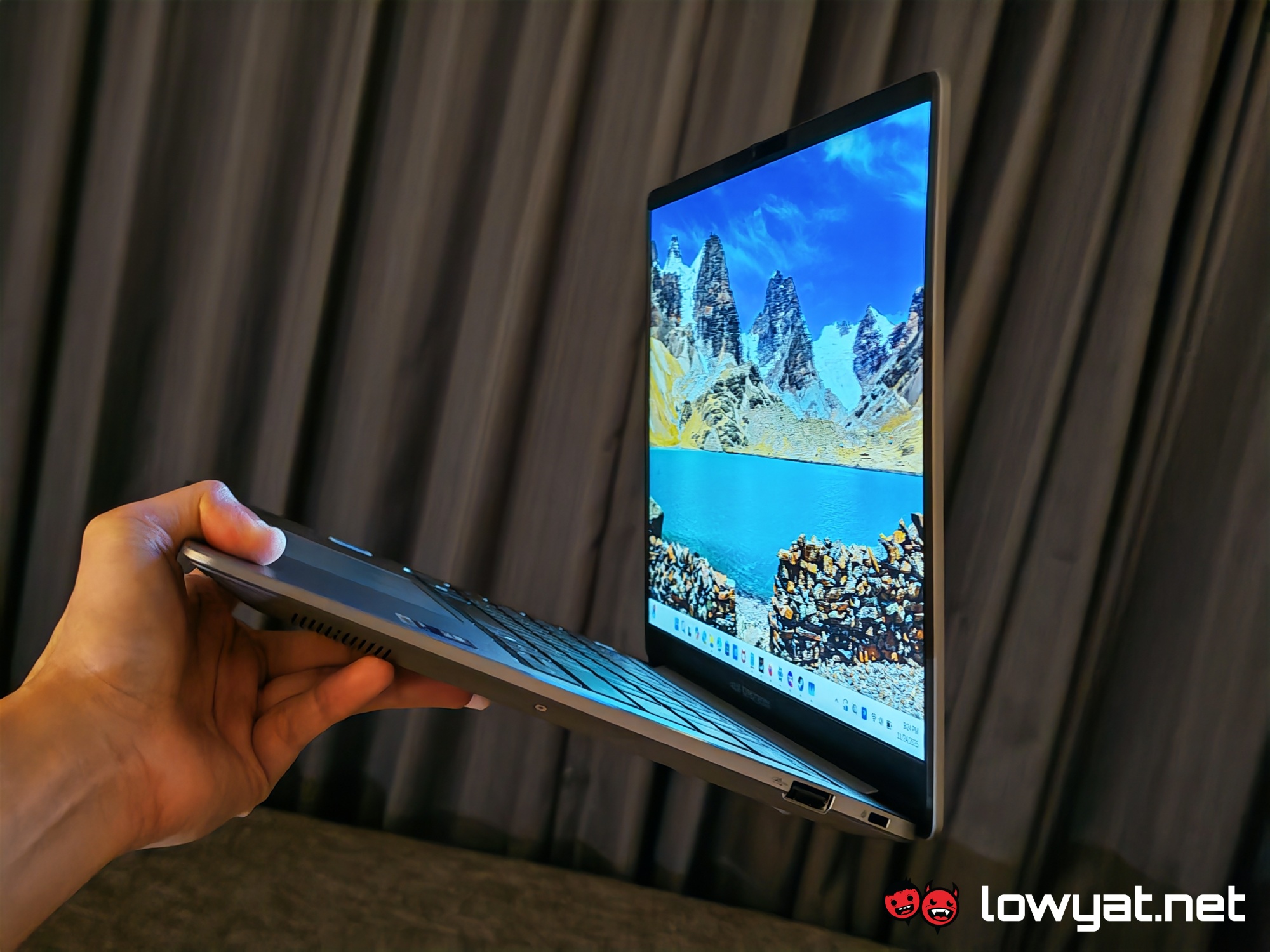 For starters, it leans a bit on the heavier side given its size. While not comparable to the beefier chunkier machines out there, its weight is fairly noticeable. Granted, at 1.27kg, it’s not considerably hefty. But manoeuvring it one-handed when it’s in use is not a comfortable affair, should you find yourself needing to do so.
The touchpad feels a little loose and wobbly as you glide your fingers over it. It also attracts prints and smudges fairly easily, which is true for the rest of the chassis too. Beyond that, the keyboard leans on the noisier side. And of course, there is the godforsaken Copilot key just waiting for you to unintentionally hit it. Although to be fair, this key is pretty much the norm at this point.
Should I Buy It?
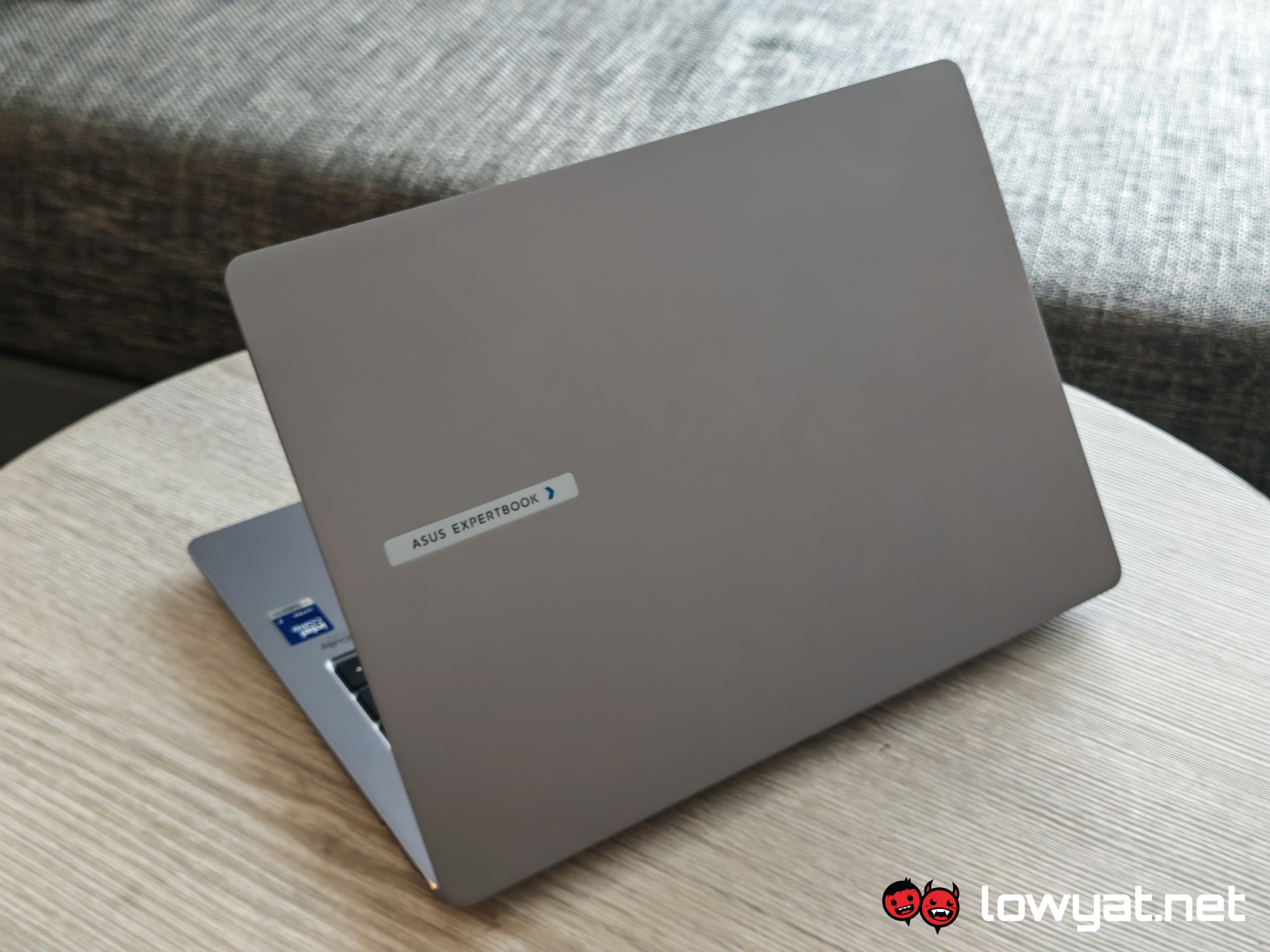 The ASUS ExpertBook P5 is first and foremost, a business-oriented machine. On that end, it fulfills its role perfectly. The compact build and long battery life allow users to keep working in a variety of situations. From crowded buses to tightly packed halls, it’s a comfortable companion for chasing deadlines.
That said, that doesn’t mean it’s purely for business. The laptop has proven to be capable of meeting a casual gamer’s needs, even if it doesn’t make for an optimal experience. So, all in all, it’s quite a good option if you’re looking for a machine that balances function and fun.
Photography by Nurul Kamil.