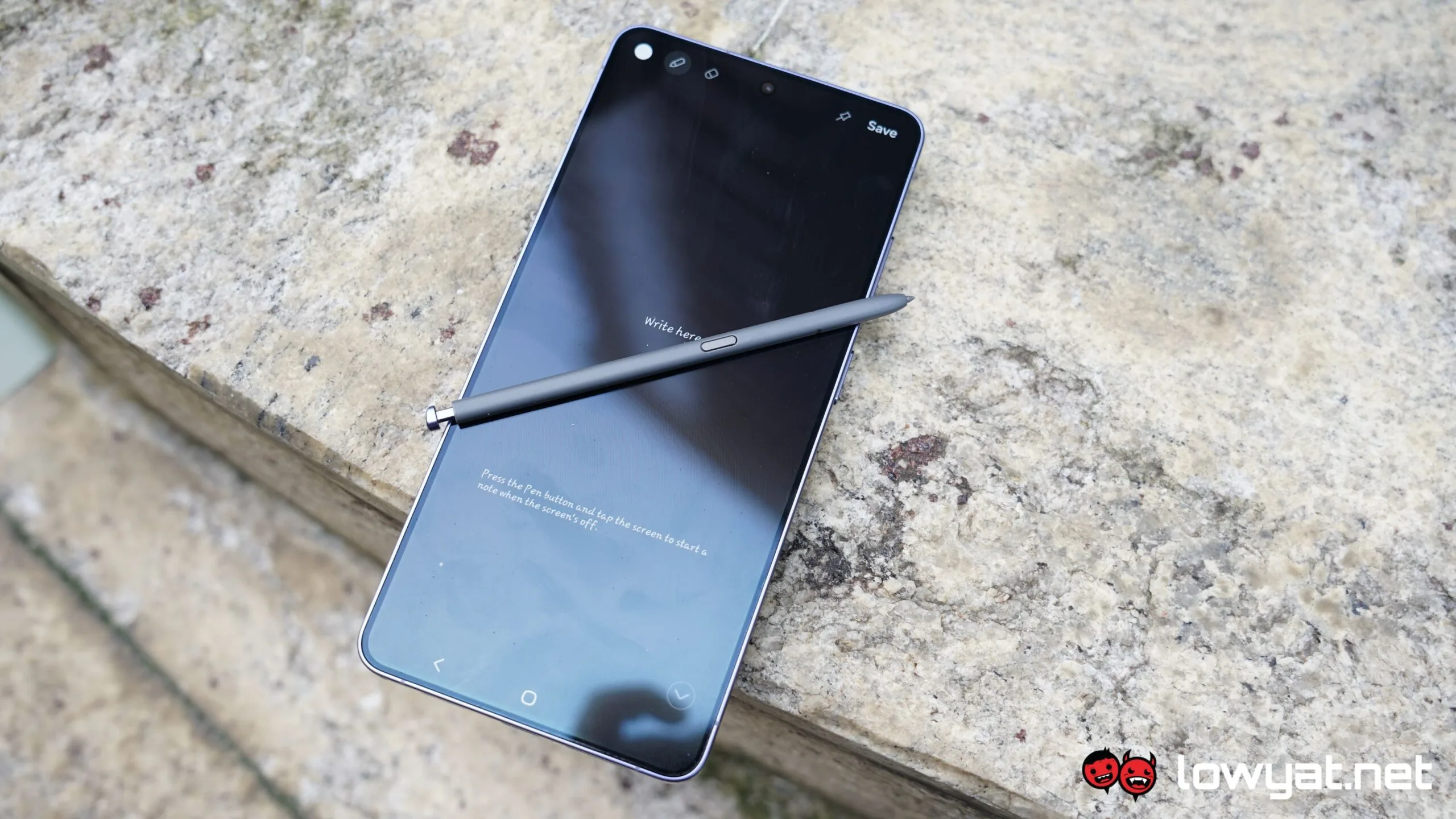
You’ve probably heard at some point in time a familiar complaint coming from a user of a Samsung phone – the screen suffering from colour issues, be it a tint affecting the entire display, or mysterious lines showing up. Specific to this year’s ultra flagship, the Galaxy S26 Ultra, claims have popped up online about either the colour red looking a bit washed, or the entire screen getting a red tint. It looks like the South Korean tech giant is aware of the issue, and says that a fix is on the way.
In a statement to Engadget, a Samsung rep says that “we are aware of reports regarding the display colour balance on some Galaxy S26 Ultra devices. The reported symptom can occur under specific conditions, such as prolonged exposure to strong lighting while operating at maximum brightness, as is typical of retail display environments”. This is likely in response to people looking for the issue in retail outlets rather than on devices they own.
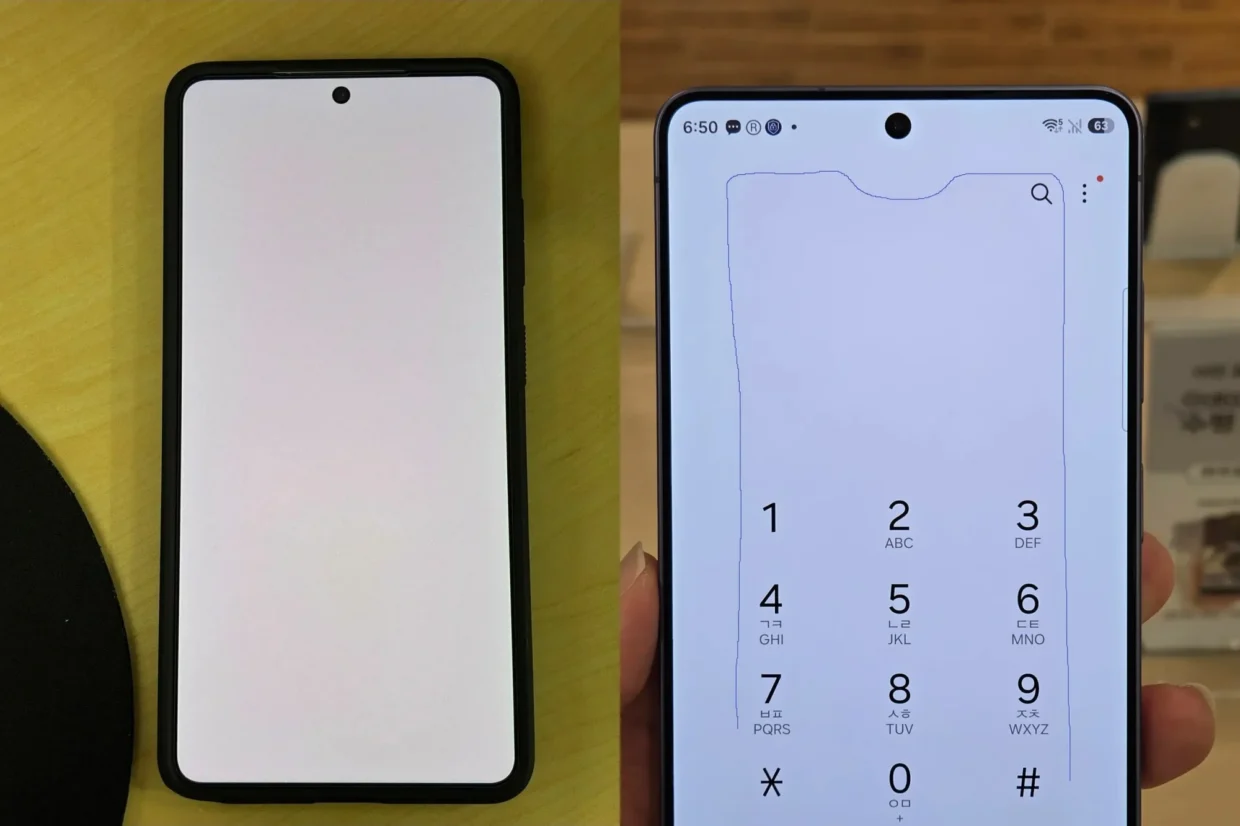
Where the device is used notwithstanding, the company does note that this is not a hardware issue. Per the statement, “the display itself continues to function normally. As this is a matter of colour balance rather than physical damage or a hardware defect, it can be addressed through software-based colour calibration, and display panel replacement is not required”. All that being said, Samsung says that “the timing of the software update is still being determined”.
Previously, a possible correlation between the Samsung Galaxy S26 Ultra’s Privacy Display feature and the colour issues. On one hand, it’s the only phone in the market with the feature, but it’s also the only device where the colour issue is prominent right now. But on the other, correlation does not equal causation, so until the company volunteers more information, the only explanation available for now is a blanket software bug.
(Source: Engadget)