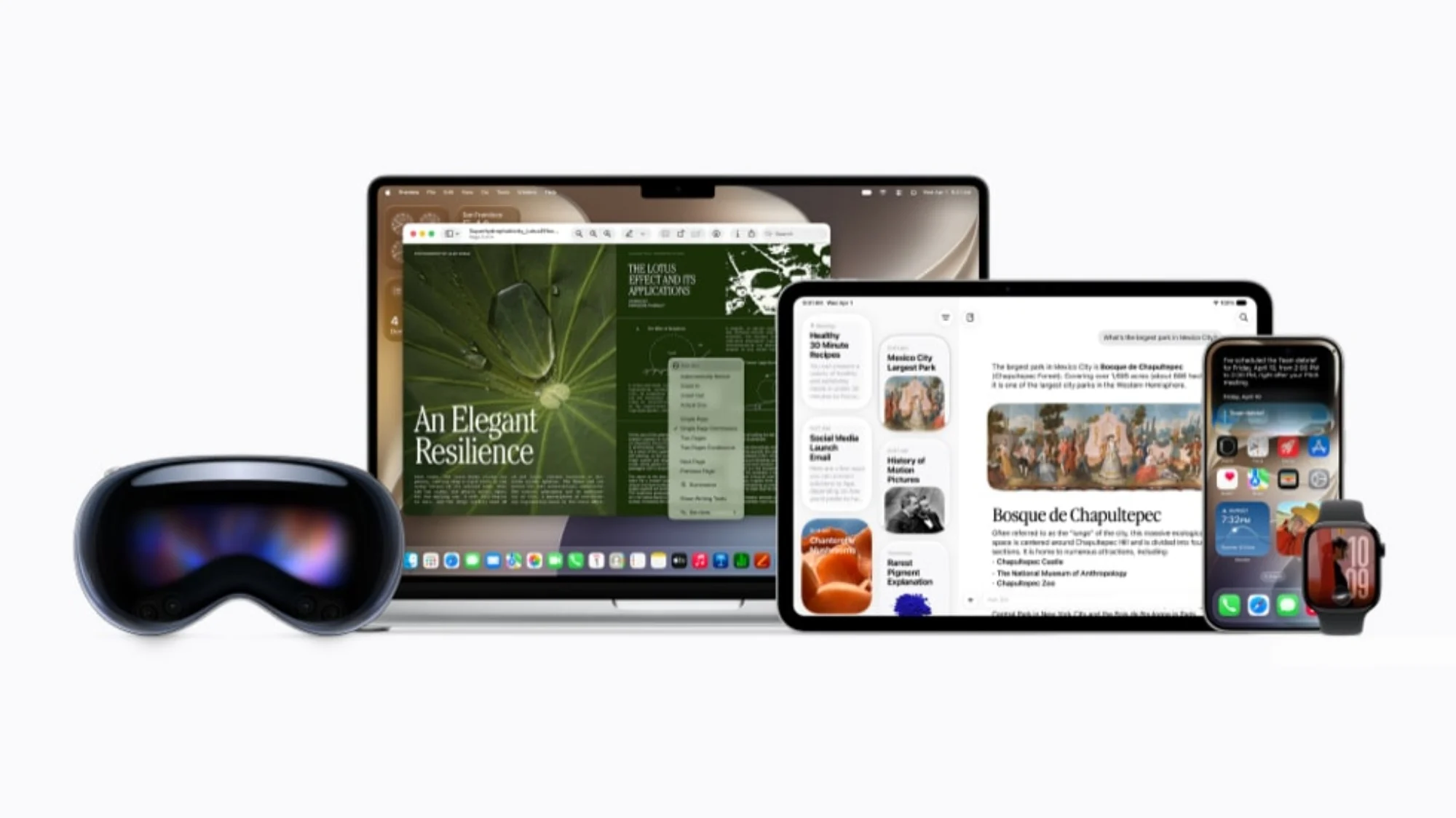
Since 2024 and its edition of the WWDC, Apple has been teasing a revamped Siri for the AI age. Now, in this year’s edition of the conference that’s just about entirely focused on Apple Intelligence, the bitten fruit brand has revealed more features of its powered up personal assistant, some visual changes, and a general rollout sometime in fall, or between late September and late December.
In general, Siri has been given the ability to act more like an agentic AI, as it can access, and help you with, tasks that involve other first-party apps. It can also surf the web for “broad world knowledge”, and use that to help you do things across said first-party apps. During the keynote, Apple shows the ability to get Siri AI to remind you when tickets to an upcoming concert go on sale. Another example is setting up a FIFA World Cup watch party, complete with match-specific food recommendations, as well as crafting a text for your football group chat to invite people over. That’s done using the Writing Tools, which can also be used for your official emails in addition to your group chats.
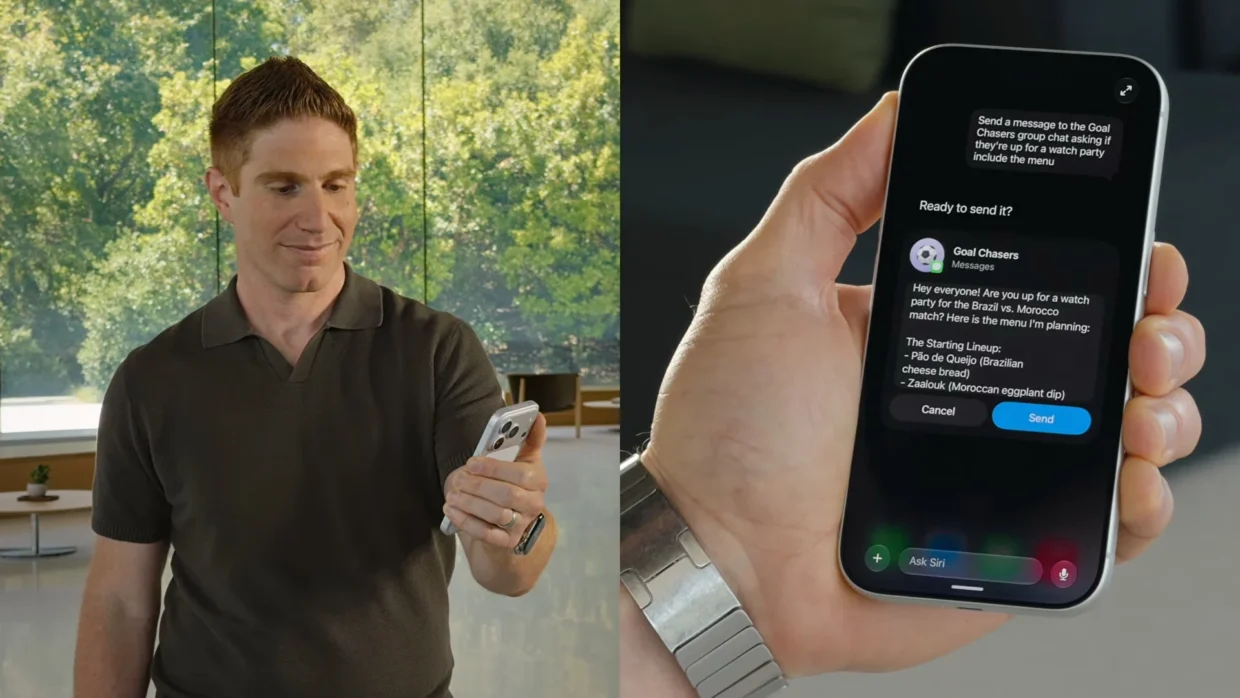
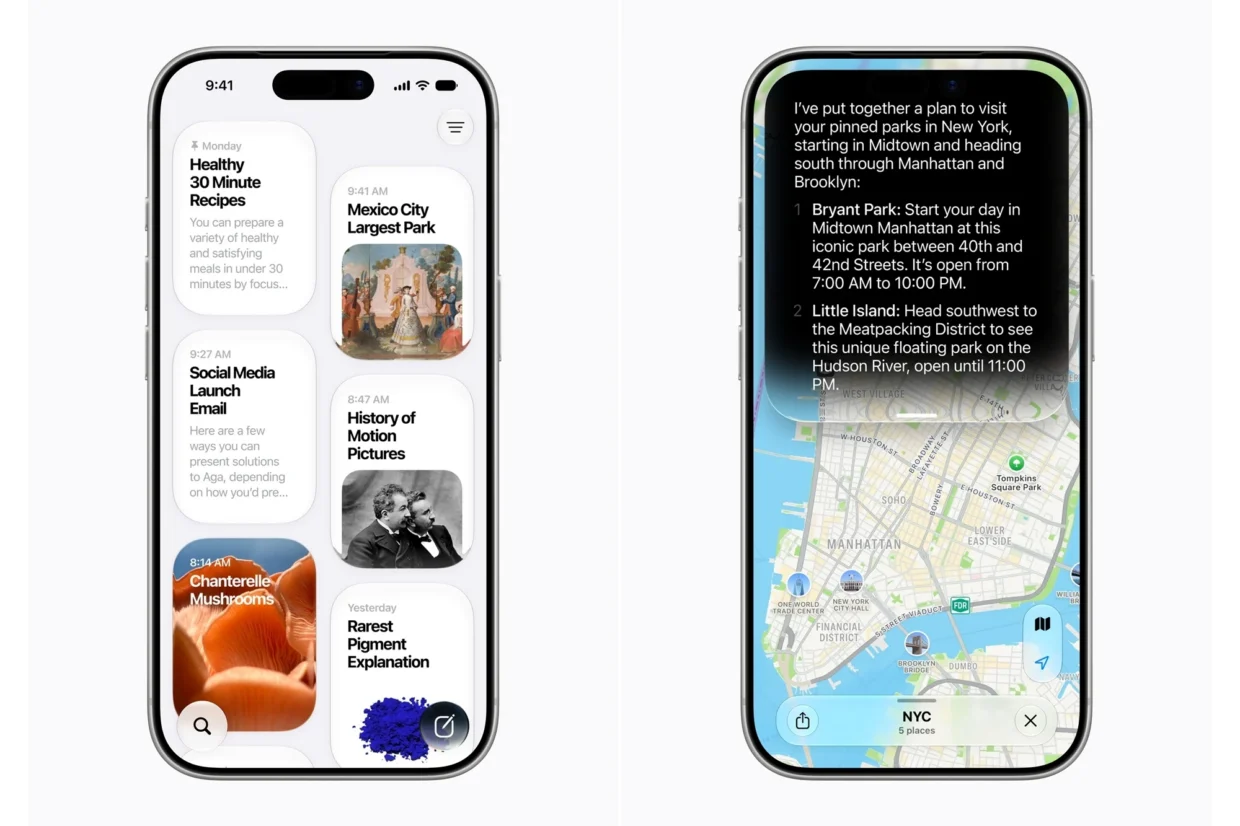
As usual, there are some platform-specific differences in implementation. For iPhone models with the Dynamic Island, an indicator that Siri AI is working on something will appear there. It will feature a new-ish symbol spinning, rather than an aurora-like effect at the bottom of the screen. You can use the same old “hey Siri” prompt, or hold down the power button, when you have a request for it. Alternatively, the upcoming iOS 27 allows swiping down from the prompt response card which will bring up a familiar chatbot-like interface.
For the upcoming macOS Golden Gate, Apple is integrating it into Spotlight search, as well as across context menus. And you bring Siri up by using the control-click command to ask about images, text, or even just files in general that’s on screen. A lot of this also applies to the iPad experience, except obviously there’s no clicking by default.

As you’d imagine, these visual-based features are powered by Visual Intelligence, letting it answer prompts that are not only related to what’s being shown on your screen, but also what your device’s camera can see. For that last one, Apple notes that there will also be a Siri mode in the Camera app. It’s probably worth mentioning that these Visual Intelligence aspects also apply to the Vision Pro.
Finally, Siri AI also gets a standalone app for you to look back at interactions that you’ve had with it before. This is synced via iCloud, but Apple maintains that no one but you get access to your Siri AI history. There has been a lot of emphasis on on-device processing, but there’s the inevitable involvement of what the fruit company calls Private Cloud Compute, which it claims doesn’t store your data or make it accessible to anyone else.
As is the case with most Apple software updates, the company says that the new Siri AI rolls out alongside the other Apple Intelligence features to the general public sometime in fall. This will be alongside iOS 27, iPadOS 27, macOS 27 Golden Gate. On the devices front, it will be available on iPhone 16 models or later, the iPhone 15 Pro and Pro Max, iPad Mini 7, and other Mac and iPad models using the M1 chip or later, as well as the Vision Pro, Apple Watch Series 10 or newer, Apple Watch Ultra 2 or newer, or Apple Watch SE3 when it is connected to an iPhone that supports Apple Intelligence.
That being said, there are two major exceptions, China and the EU. For the former, Apple Intelligence in general needs to work through more “regulatory requirements”. For the latter, it’s essentially the same thing, but it specifically affects iOS 27 and iPadOS 27, and not the other platform operating systems. Apple says that it is still working with the region’s regulators to get them to be compliant with the Digital markets Act (DMA).