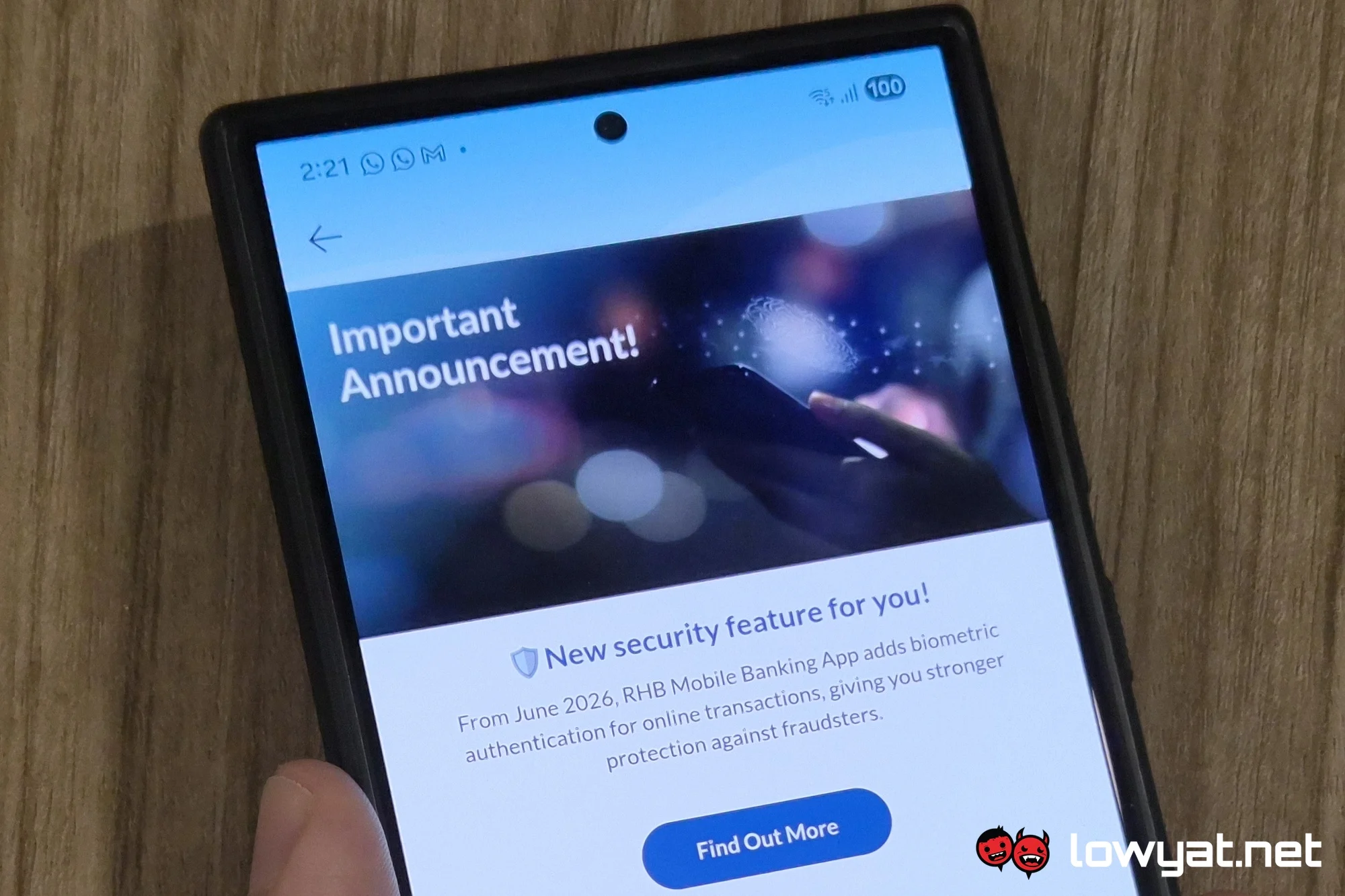
RHB previously announced that it will stop supporting its mobile app on Android 10, iOS 15, or older mobile operating systems. This is slated to happen on 1 June. Since then, the bank has also announced the addition of biometric authentication when performing online transactions. This, too, will be taking effect starting June.
At current, you can already use your biometrics to log into the RHB Mobile Banking app itself. This feature is called Quick Login, which has you get a scan of your fingerprint or your face so that they can be used to gain access to the app. If you’ve already done this, then you’re set to also use biometrics to authorise transactions when that feature rolls out. Otherwise, setting it up is a pretty simple process.
Per the bank’s own guide, you’ll first have to sign into the RHB Mobile Banking app. Then head on to settings on the bottom right corner of the screen. Look for Quick Login, and tap on that. You’ll then see the PIN and Biometrics options, and if you haven’t registered your fingerprint or your face, hitting the latter will present you with steps to follow to have them verified. Once that is done, you’ll receive a notification indicating that the process was successful.
As you’d expect, biometrics serve as an additional layer of protection when performing online transactions, or indeed when someone unauthorised tries to, using your account. So it’s a good idea to update the RHB Mobile Banking app when it becomes available come 1 June. On the flip side, you should definitely ensure that you are running a device that supports an up-to–date enough mobile operating system when that happens. After all, without the app, you also won’t have access to Secure Plus, and therefore no way to authorise online transactions.
(Source: RHB [1, PDF], [2, PDF])